

Samsung Vacuums

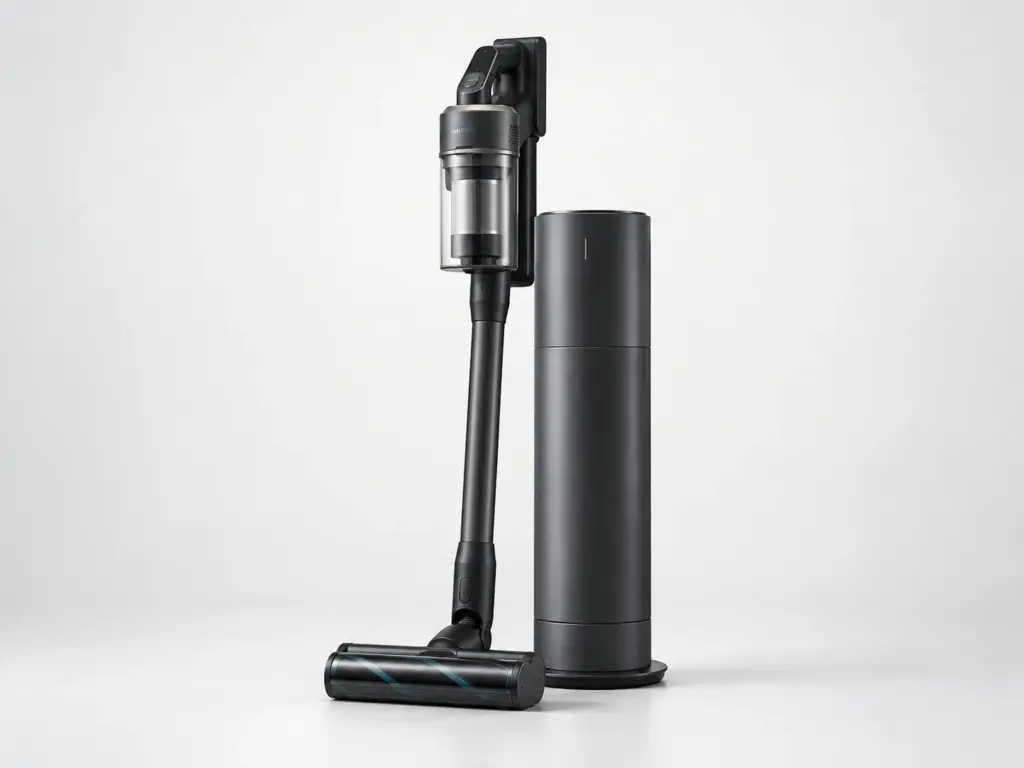
Samsung VR7MD96514G

Model # VR7MD96514G

The VR7MD96514G is Samsung’s 70W Jet Bot Combo All-in-One Clean Station Steam+ with SteamWash. A robot vacuum like the VR7MD96514G adds a navigation sensor, drive wheels and a return-to-dock routine on top of the usual suction motor and brush roll, so a unit that stops mid-room and one that will not empty into its base are two different problems even though both look like the robot has failed.

On the VR7MD96514G we check airflow end to end – inlet, hose, filter, bin seal – before opening the motor housing, because a partial blockage anywhere in that path reads exactly like a weak motor.

Key Features

  • Robot vacuum with self-navigating cleaning
  • All-in-one Clean Station that empties the bin and, on some cycles, washes its own mop pad
  • SteamWash mop function on the dock

Most Common Issues on This Model

01

Robot missing the dock on its own return trip

02

Robot stopping mid-map and returning without finishing

03

Charging dock not lighting up when the handle seats

Own This Model? Book a Diagnosis.

Have the model number to hand when you book, so the technician arrives knowing which parts this model uses and where it usually fails.

Book Your Repair Today

Same-day & next-day appointments · No hidden fees · Technicians trained on these appliances

1Service Details
2Date & Time
3Contact Info

or call (844) 702-1398 now

FAQ

Samsung VR7MD96514G FAQ

With the VR7MD96514G switched off, pull the filter and rinse it in cold water only, then let it air-dry completely - a damp filter refitted too soon is one of the most common causes of weak suction. While it dries, check the hose and the inlet at the floor head for a hidden blockage. If suction is still weak with a dry filter and a clear hose, the motor or its seal needs testing.

Usually a full bin, a dropping battery, or a wheel or brush caught on a cord or rug fringe - all three make the robot end the run early on purpose. With the VR7MD96514G powered off, clear the bin, the wheels and the brush roll of any obstruction and confirm the dock’s contacts are clean before assuming the battery has failed.

Need a repair? We're ready to help. Call Now
Call Us Schedule