

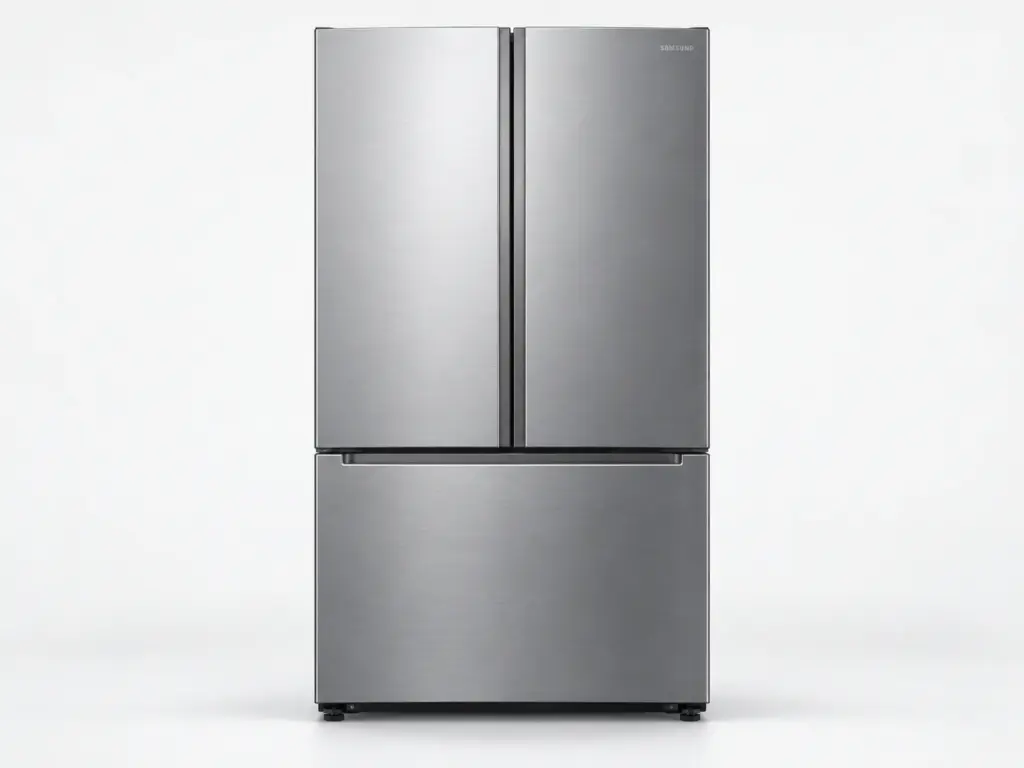
Samsung Refrigerators

Samsung RS22T5561

Model # RS22T5561

Samsung lists the RS22T5561 as a 22 cu. ft. side-by-side refrigerator – its own page reads Bespoke AI Side-by-Side Family Hub™ External Water & Ice Dispenser | 22 cu.ft.. Because the RS22T5561 carries a Family Hub screen, it can report its own 41 or 42 codes when the screen and the main control stop talking, and a frozen or rebooting screen on this model is a control problem rather than a cooling one.

On the RS22T5561, an OF OF or scrolling-bar display is checked first – it is Cooling Off mode, not a problem – and only then does the visit move to the fan, defrost and control tests with the refrigerator isolated at the breaker.

Key Features

  • 22 cu. ft. capacity
  • Side-by-side refrigerator
  • Family Hub touchscreen in the upper right door
  • External water and ice dispenser in the door
  • Bespoke door panels that can be changed for another finish

Most Common Issues on This Model

01

Compressor running constantly without reaching set point

02

Fresh-food side warming while the freezer holds

03

Door gasket not sealing after the door drops

Error Codes Common to This Model

Own This Model? Book a Diagnosis.

Have the model number to hand when you book, so the technician arrives knowing which parts this model uses and where it usually fails.

Book Your Repair Today

Same-day & next-day appointments · No hidden fees · Technicians trained on these appliances

1Service Details
2Date & Time
3Contact Info

or call (844) 702-1398 now

FAQ

Samsung RS22T5561 FAQ

On the RS22T5561, Samsung’s US refrigerator article lists 22E and 22C as the fresh-food fan code. On the RS22T5561, that fan sits behind the rear panel of the fresh-food section; it stops when frost locks the blade or the motor fails. With the RS22T5561 switched off at the breaker and the shelves out, the panel can be removed and the fan checked for ice - if it is frost-bound the defrost circuit is the real problem, and if it is clear the motor is.

Not usually. On the RS22T5561, OF OF or scrolling bars on the display means Cooling Off mode - the showroom setting - was switched on by a button combination. The owner’s manual for the RS22T5561 gives the combination to turn it off; no part is involved unless the cabinet stays warm after that.

Need a repair? We're ready to help. Call Now
Call Us Schedule