

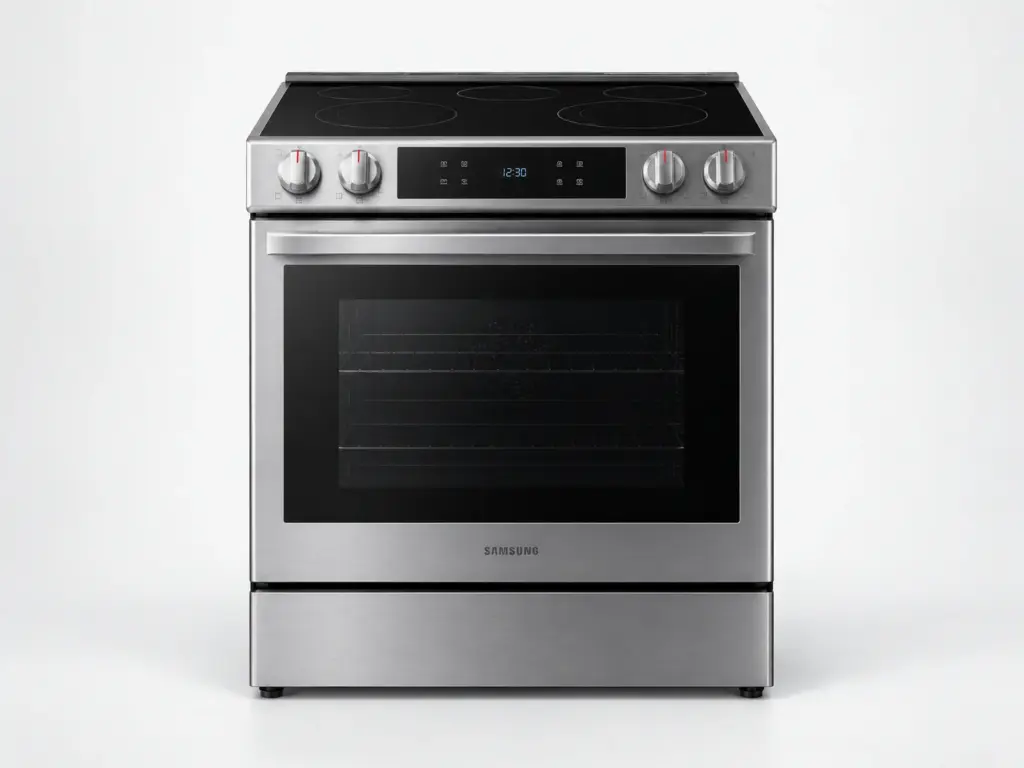
Samsung Ranges

Samsung NSG6DG8700SR

Model # NSG6DG8700SR

The NSG6DG8700SR is a 6.0 cu. ft. slide-in gas range, listed on samsung.com as Bespoke Slide-in Gas Range Illuminated Precision Knobs | Wi-Fi 6.0 cu.ft.. The oven in the NSG6DG8700SR lights with a glow-bar igniter that must draw enough current to open the safety valve; an igniter that glows but never lights the burner is the single most common oven failure on Samsung’s gas ranges, and it is measured rather than assumed.

Gas-side work on the NSG6DG8700SR begins with the supply shut and confirmed shut at the appliance valve before the range is moved; the oven side begins with the breaker off. On the NSG6DG8700SR, we test the part a code points at rather than replacing it because the number matches a parts list.

Key Features

  • 6.0 cu. ft. oven capacity
  • Slide-in gas range
  • SmartThings Wi-Fi connection with remote preheat
  • Bespoke finish and trim

Most Common Issues on This Model

01

C-F0 communication code between boards

02

tESt showing with no heat anywhere

03

Convection fan noisy or silent

Error Codes Common to This Model

Own This Model? Book a Diagnosis.

Have the model number to hand when you book, so the technician arrives knowing which parts this model uses and where it usually fails.

Book Your Repair Today

Same-day & next-day appointments · No hidden fees · Technicians trained on these appliances

1Service Details
2Date & Time
3Contact Info

or call (844) 702-1398 now

FAQ

Samsung NSG6DG8700SR FAQ

Do not switch any light or appliance on or off, do not light anything, open a window if one is right there, get everyone out and call your gas utility or the emergency number from outside. Only after the gas company has confirmed the supply is safe should the NSG6DG8700SR itself be examined, with the supply shut at the appliance valve before the range is moved.

Demonstration mode. Samsung shows tESt or tE5t when the NSG6DG8700SR has been put into the showroom setting that lights the controls without powering the heating parts, and it is switched on by a button combination that is easy to hit while cleaning the panel. The NSG6DG8700SR’s owner’s manual lists the combination to turn it off; no repair is involved.

Need a repair? We're ready to help. Call Now
Call Us Schedule