

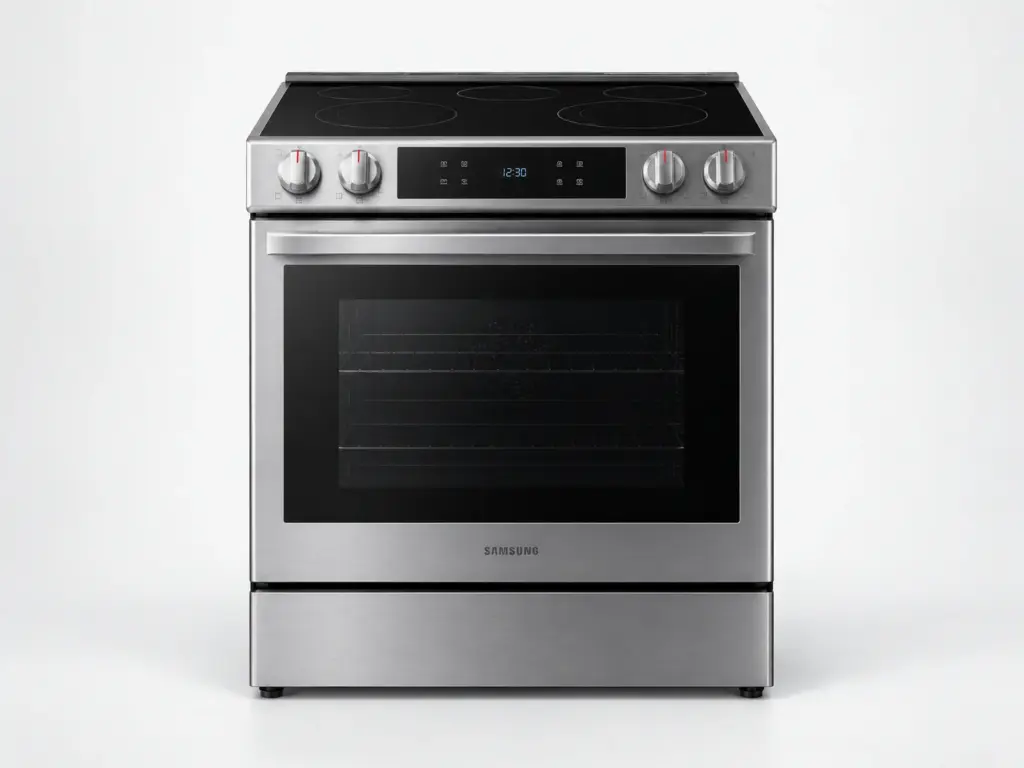
Samsung Ranges

Samsung NSI6DG9550SR

Model # NSI6DG9550SR

Samsung’s page for the NSI6DG9550SR reads Bespoke Slide-in Induction Range Ambient Edge Lighting™ Wi-Fi | 6.3 cu.ft. – a 6.3 cu. ft. slide-in induction range. The induction zones on the NSI6DG9550SR are driven by power boards that must detect a suitable pan before they heat, and an underlined u over a zone is that pan-detection notice rather than a problem; a zone that stays cold with a known-good pan is a board or coil test.

On the NSI6DG9550SR, tESt on the display means demonstration mode and is switched off by the button combination in the owner’s manual, and bAd LinE means the power connection is not fully seated; both are explained before a visit is booked.

Key Features

  • 6.3 cu. ft. oven capacity
  • Slide-in induction range
  • SmartThings Wi-Fi connection with remote preheat
  • Bespoke finish and trim

Most Common Issues on This Model

01

Oven slow to preheat or under temperature

02

Convection fan noisy or silent

03

Display dark after a power interruption

Error Codes Common to This Model

Own This Model? Book a Diagnosis.

Have the model number to hand when you book, so the technician arrives knowing which parts this model uses and where it usually fails.

Book Your Repair Today

Same-day & next-day appointments · No hidden fees · Technicians trained on these appliances

1Service Details
2Date & Time
3Contact Info

or call (844) 702-1398 now

FAQ

Samsung NSI6DG9550SR FAQ

Pan detection. The NSI6DG9550SR shows an underlined u when the cookware on that zone is unsuitable - the wrong material, too small, or not flat - and refuses to power the coil. Try a pan you know works on induction, centered on the zone; if a known-good pan still triggers the u, the zone’s sensing circuit or power board needs testing.

Demonstration mode. Samsung shows tESt or tE5t when the NSI6DG9550SR has been put into the showroom setting that lights the controls without powering the heating parts, and it is switched on by a button combination that is easy to hit while cleaning the panel. The NSI6DG9550SR’s owner’s manual lists the combination to turn it off; no repair is involved.

Need a repair? We're ready to help. Call Now
Call Us Schedule